Intro
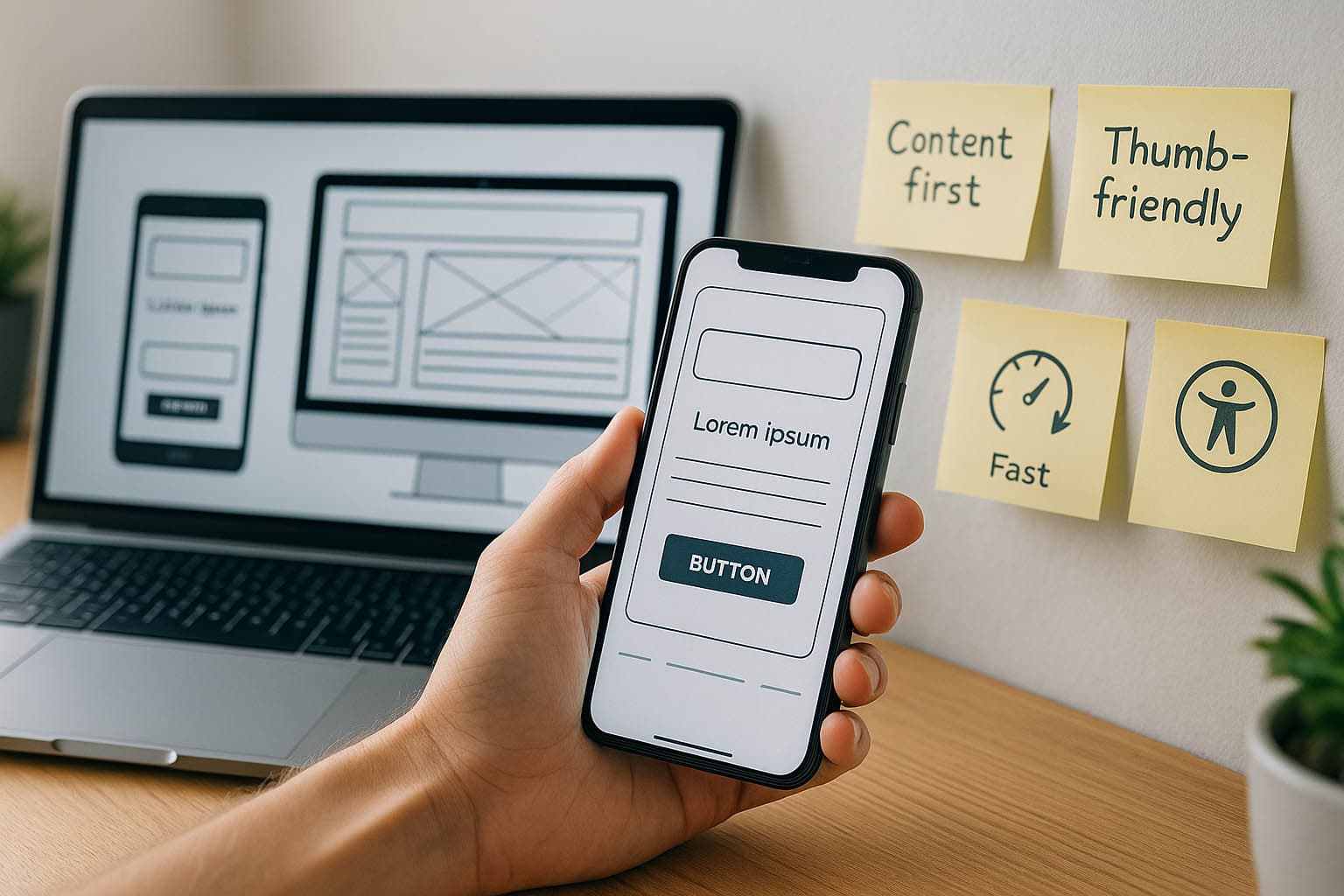
Designing mobile first isn’t just about smaller screens—it’s about ruthless clarity. You start with what matters most for people on the go, then scale up to larger viewports with more breathing room and polish. The result: faster pages, clearer paths, better outcomes.
TL;DR
- Begin on the smallest screen: prioritize essentials, then progressively enhance.
- Win with speed, thumb-friendly UI, clean hierarchy, and real-device testing.

Content Prioritization
Lead with the must-haves: the primary task, one core CTA, and the minimal copy needed to act. Everything else waits its turn.
- Identify top user tasks; cut non-essentials.
- Keep copy concise; front-load value.
- One screen = one job.
Intuitive Navigation
Make moving around effortless—especially one-handed.
- Thumb-friendly menus (bottom or reachable zones).
- Clear labels; avoid deep nesting.
- Minimize interruptions (no aggressive pop-ups).
Responsive & Adaptive Design
Design for the smallest viewport first, then scale.
- Fluid layouts that expand gracefully to tablet/desktop.
- Test breakpoints on real devices, not just a browser resizer.
- Preserve function and aesthetics at every size.
Progressive Enhancement
Ship the core mobile experience; layer on extras as space and capability grow.
- Start with content + essential actions.
- Add richer visuals, interactions, and secondary modules for larger screens.
- Don’t hide vital tasks behind hover or complex gestures.

Performance Optimization
Speed is the first impression.
- Compress and properly size images; lazy-load where practical.
- Defer non-critical scripts; trim CSS/JS bloat.
- Optimize for variable networks (3G/4G) and modest CPUs.
Touch-Friendly UI
Design for fingers, not cursors.
- Generous tap targets and spacing to avoid mis-taps.
- Obvious states (pressed/active/disabled).
- Place primary actions within easy thumb reach.
Visual Hierarchy & Clear Structure
Guide the eye; reduce thinking.
- Strong headings, scannable sections, consistent spacing.
- Primary CTA visible early and repeated where decisions happen.
- High contrast for readability outdoors and on the move.
Avoid Mobile-Unfriendly Elements
Leave desktop habits at the door.
- No hover-only interactions (mobile can’t hover).
- Avoid huge, complex graphics that crush bandwidth.
- Keep modals rare, focused, and easy to dismiss.
Testing on Real Devices
Emulators miss real-world quirks; phones don’t.
- Validate on iOS/Android, multiple sizes, and common OEMs.
- Check glare, one-hand use, spotty networks, and background apps.
- Record sessions to capture gestures, taps, and friction points.